> For the complete documentation index, see [llms.txt](https://broadcast.presidiocreative.com/llms.txt). Markdown versions of documentation pages are available by appending `.md` to page URLs; this page is available as [Markdown](https://broadcast.presidiocreative.com/broadcast-v5/collections/collection-pages/swatch-collection-styles.md).
# Swatch collection styles
Customize the swatch and siblings display style on collection pages and all product grid listings
> Introduced in Broadcast 5.6
Broadcast includes flexible swatch and sibling display options, including:
* Circle or Square shaped swatches and siblings
* Regular or large-sized swatches and siblings
In addition to the size and shape, Broadcast includes swatch and sibling collection styles for all your collection pages and product gird listings:
Examples of collection style options:
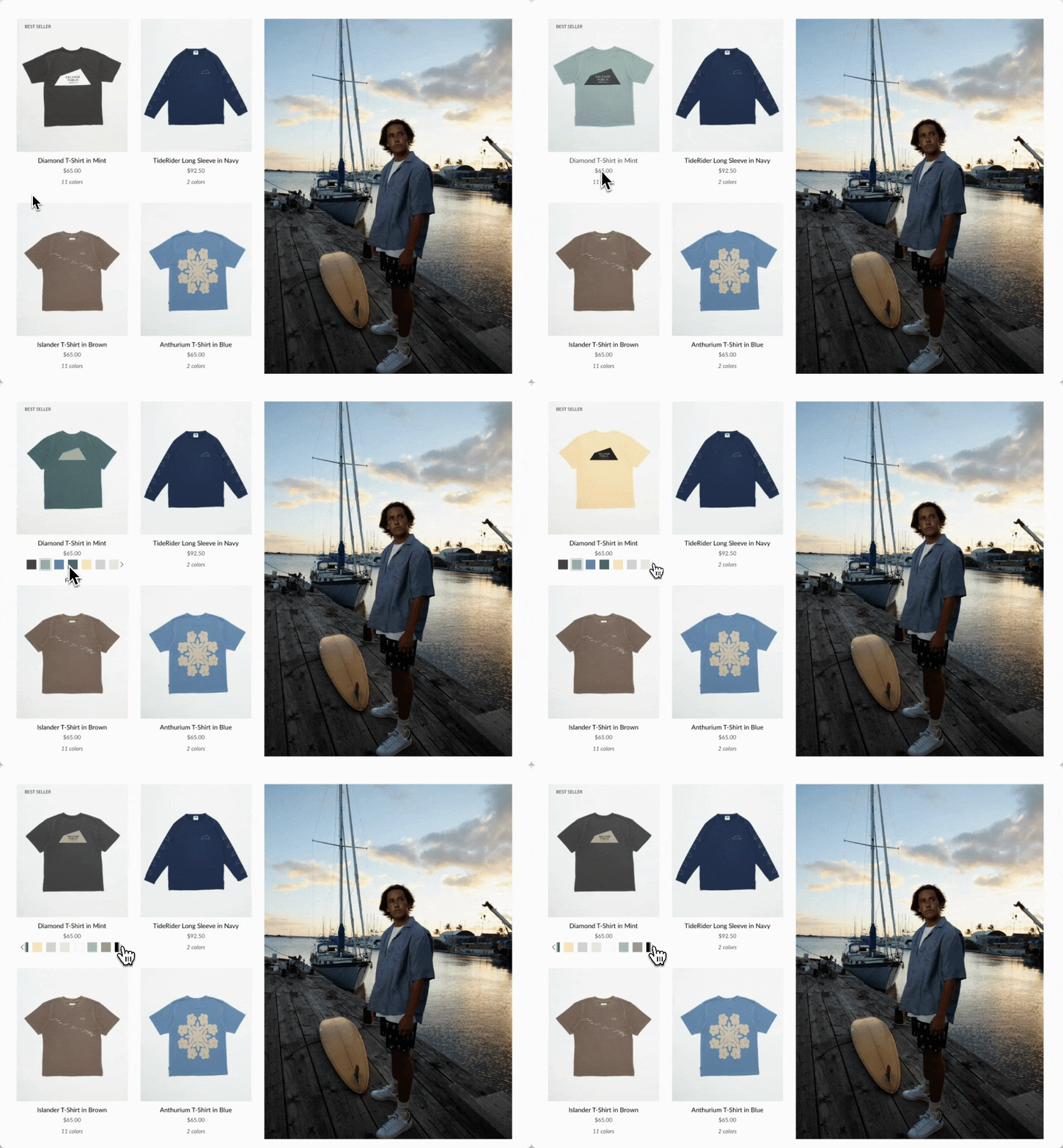
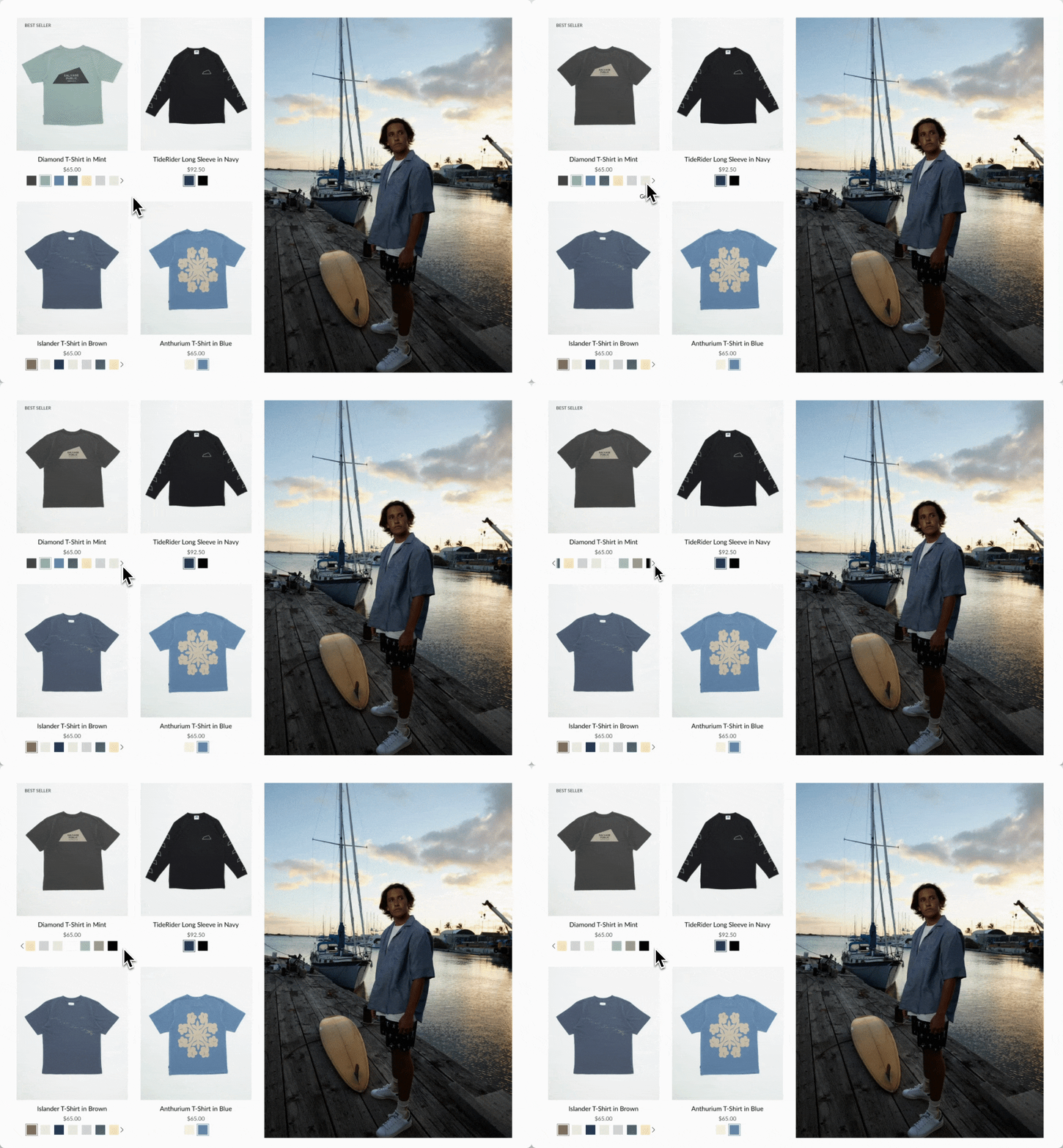
### Slider on hover
Clean text is displayed on the Product grid. Upon hover, the text is replaced with swatches or siblings. The slider feature keeps all swatch options aligned horizontally on a single line:
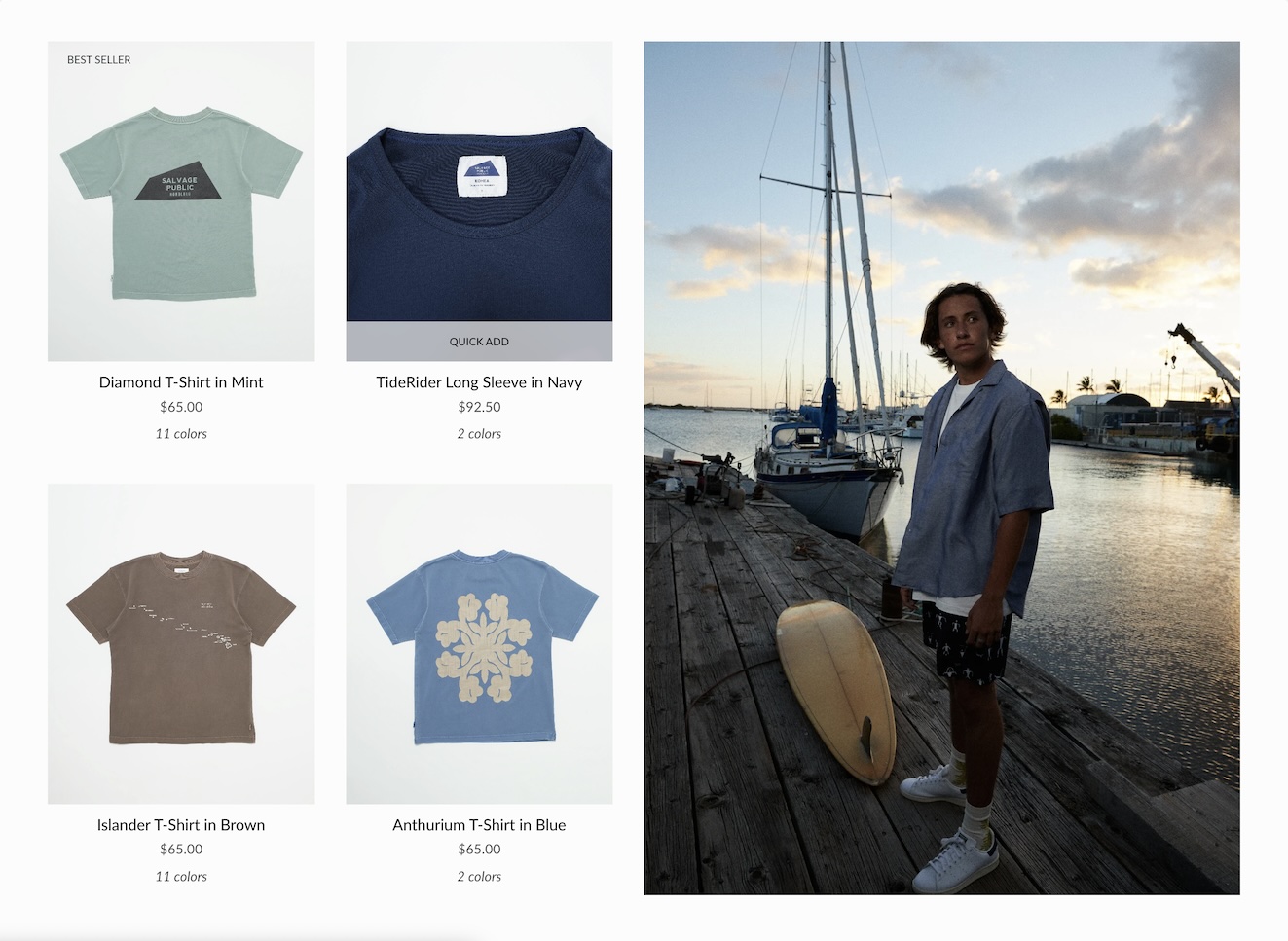
### Text only
A clean text version that displays the number of swatches or siblings which are available:
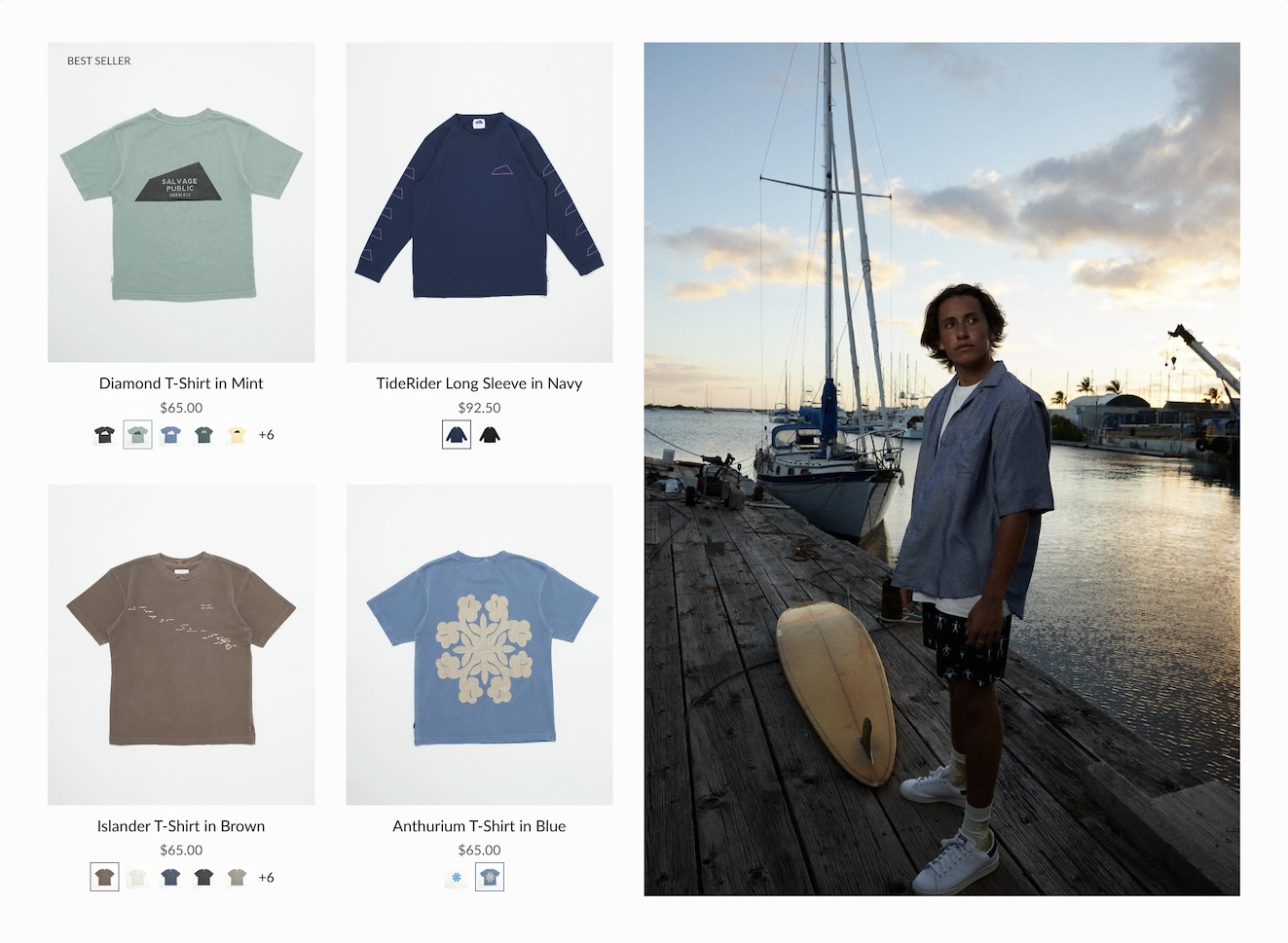
### Swatches with text
Displays a sample of swatches or siblings on a single line and indicates how many additional options are available with text:
Siblings example
### Slider
Displays the swatch or siblings slider on one line at all times:
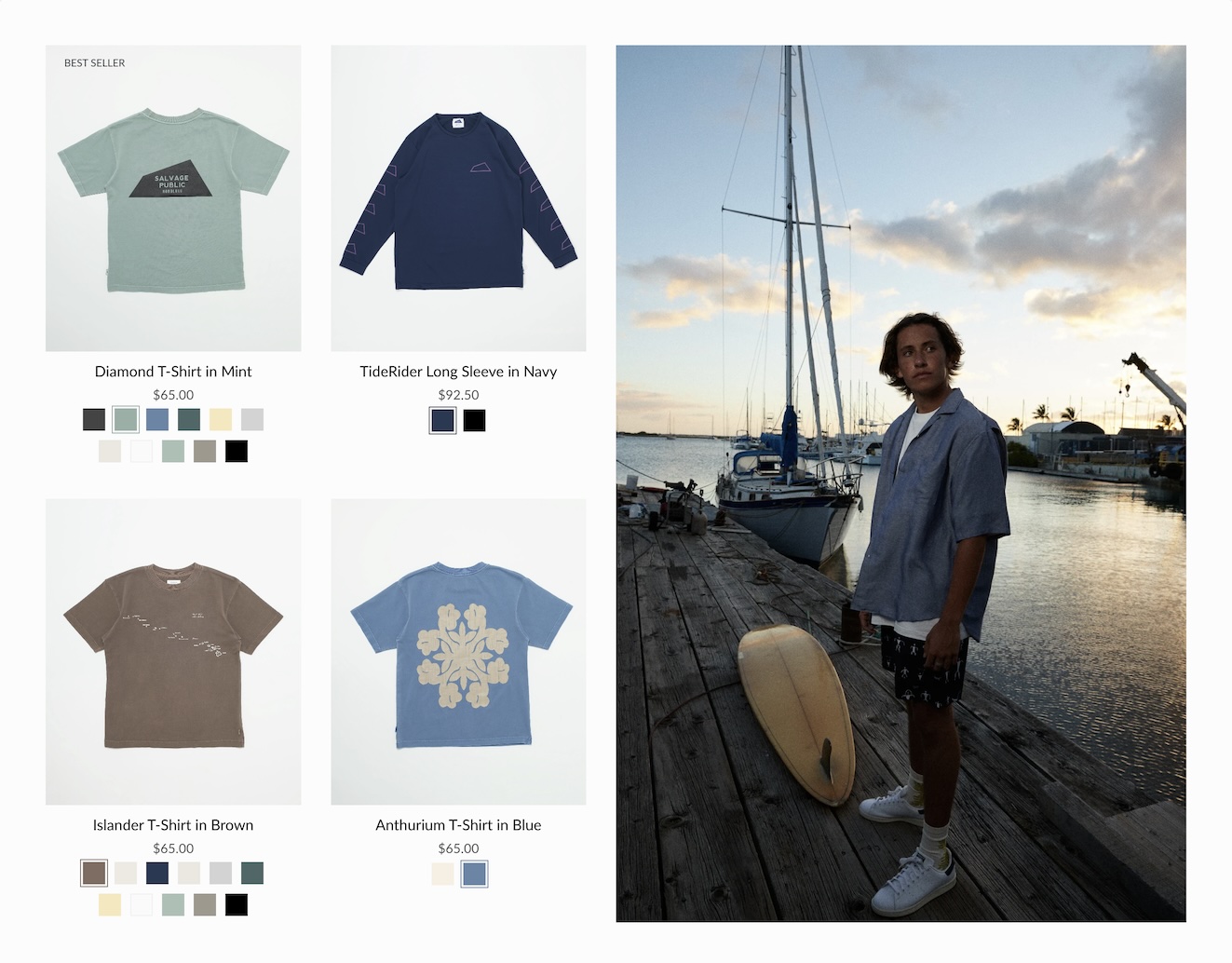
### Grid
Displays all possible swatches or sibling options that are available to choose from:
### How to configure
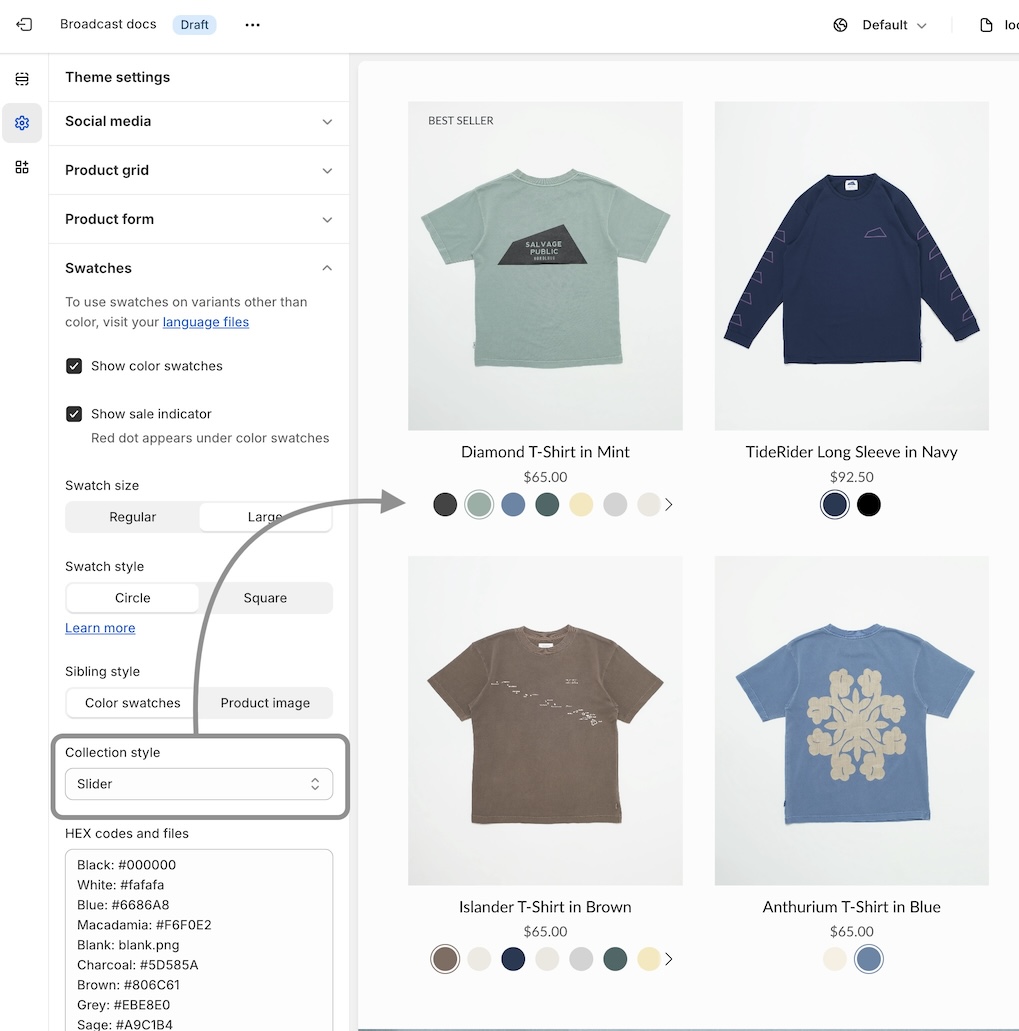
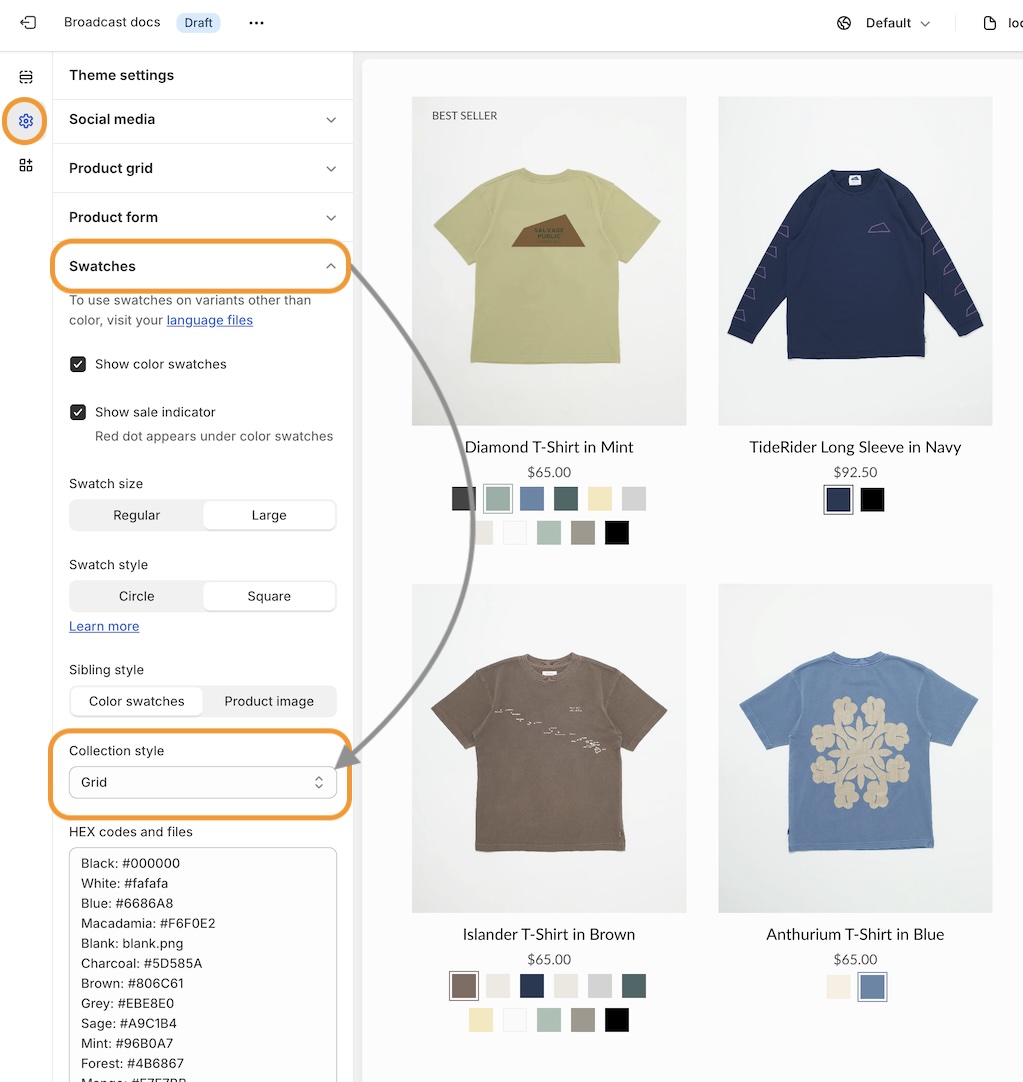
Use the global **Theme Settings** -> **Swatches** -> **Collection style**
Choose your collection style in the drop-down:
**Save** your changes.
### Speed and performance
The load time for collections and the product grid increases significantly when many swatches are loaded. Stores looking to improve the load times can use:
* Text only
* Swatches with text
These two require the fewest queries to be sent to Shopify's backend when loading a collection page or product grid section. Text-only is the fastest, as it doesn't need to load any images. Swatches-with-text only loads five swatches, which is a good balanced option.
The slider and grid styles will load all swatches, making them the slower options. To help reduce the number of queries, decrease the number of items displayed per page. This method will help optimize load times regardless of which swatch style you choose.
---
# Agent Instructions
This documentation is published with GitBook. GitBook is the documentation platform designed so that both humans and AI agents can read, navigate, and reason over technical content effectively. Learn more at gitbook.com.
## Querying This Documentation
If you need additional information that is not directly available in this page, you can query the documentation dynamically by asking a question.
Perform an HTTP GET request on the current page URL with the `ask` query parameter, and the optional `goal` query parameter:
```
GET https://broadcast.presidiocreative.com/broadcast-v5/collections/collection-pages/swatch-collection-styles.md?ask=&goal=
```
`ask` is the immediate question: it should be specific, self-contained, and written in natural language.
`goal` is optional and describes the broader end goal you are ultimately trying to accomplish on behalf of the user. GitBook uses it to tailor the answer towards what is most useful for that goal.
The response will contain a direct answer to the question and relevant excerpts and sources from the documentation.
Use this mechanism when the answer is not explicitly present in the current page, you need clarification or additional context, or you want to retrieve related documentation sections.